Vibe Coding a Slideshow Gallery for My Village's Traditional Ceremony
This year I joined the public relations committee for the Caru Nawa Gempang ceremony at Desa Adat Celuk, and one of my tasks was building a photo slideshow for a projector. Here's how it went.
This year I was chosen to be part of the public relations team for the Caru Nawa Gempang ceremony at Desa Adat Celuk. My specific task: handle social media. But there was an additional request — build a photo slideshow to be displayed on a projector during the event.
Sounds simple. Turns out, it wasn't.
Why I Was Chosen for the PR Team
I'm not a marketing person. No background in communications or PR. But I'm known as the "IT guy" in the village, and apparently that was enough. A few small things I'd done in the community — helping with design, posting content, handling digital stuff — seemed to accumulate into one label: "oh Deta would be a good fit for PR."
And that's how I ended up in the social media section of the PR team for Caru Nawa Gempang.
A Brief Introduction to Caru Nawa Gempang
Caru Nawa Gempang is a Balinese ceremony to cleanse the village — neutralizing negative energy and maintaining the balance of the universe within the traditional village community. This ceremony isn't held every year; it's quite rare, and it's large in scale. So it made sense that the documentation and publicity needed to be prepared seriously.
A Request That Came Mid-Preparation
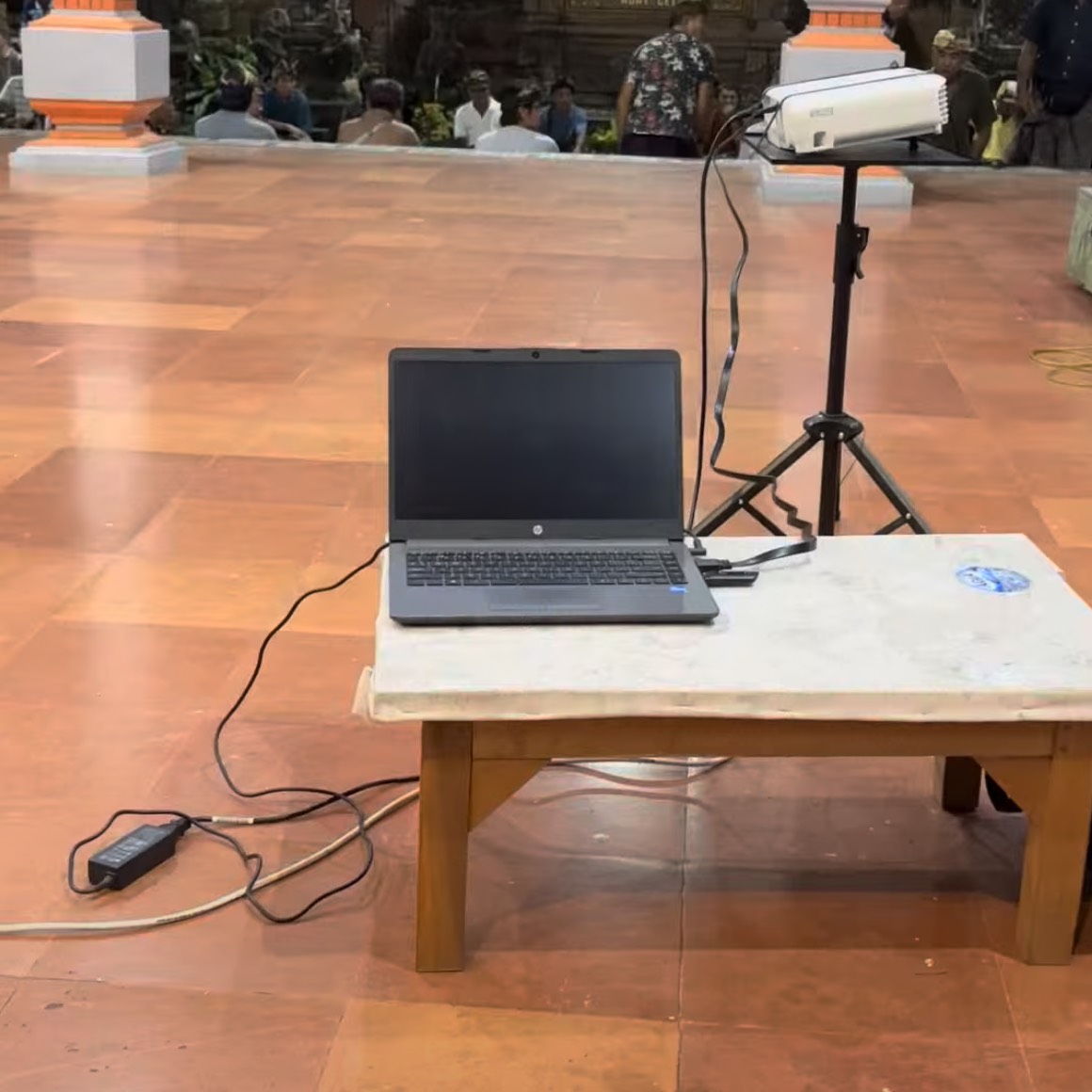
In the middle of preparations, I got a request: build a photo and video slideshow to display on a projector during the event.
All the documentation files were on Google Drive — photos and videos, all still RAW, uncompressed. Downloading everything locally first would take a long time and eat up a lot of storage. The initial idea: fetch directly from Google Drive via API, so no downloading at all.
I opened Claude Code, wrote a prompt, and let it do its thing. The result: a single HTML + JavaScript file — no framework needed, no build process. Just open it in a browser, connect to a projector.
But when I tried it out, problems started showing up.
Problem After Problem
Videos wouldn't play. The video files were too large to stream directly. Ideally there'd be an option to fetch lower-resolution video, but Google Drive API doesn't offer that — that's a Google Photos feature, not Google Drive. In the end, videos were removed from the slideshow. Only photos were displayed.
Slides advanced before photos finished loading. This was the most frustrating part. The slideshow ran automatically, but fetching photos from Drive took time — especially because of the large file sizes. The slide would move to the next photo before the current one finished loading. The result: a blank screen, or the previous photo briefly lingering before jumping.
The fix: prefetch 3 photos ahead. Instead of fetching a photo right when it was about to be displayed, the slideshow was updated to always fetch the next 3 photos in the background — while the current photo was still being shown. So by the time the slide advanced, the next photo was already ready. No blank screen, no visible loading.
Folder navigation wasn't actually a problem. One thing that worked smoothly: even though photos were spread across multiple sub-folders in Drive, the Google Drive API could crawl all the paths from a single parent folder using an API key. No need for manual folder listing.
Conclusion
Vibe coding doesn't mean everything works smoothly without thinking. In this case, Claude Code was quick to produce the initial foundation — but the real problems only showed up when tested in practice. Videos wouldn't play, slides jumped before photos were ready, and it took several iterations before the slideshow was actually ready for a projector.
What kept the process fast wasn't the absence of problems — it was that every time a problem showed up, I knew what I needed to explain to Claude Code, and it could immediately translate that into a solution.
You still need to think. But the burden of implementation can be delegated.
Leave a comment